

 # Welcome to my infrastructure configuration
My configuration is based on [Dendritic Nix](https://dendrix.oeiuwq.com/Dendritic.html#dendritic-nix)
and was heavily inspired by [github:drupol/infra](https://github.com/drupol/infra) including taking some parts ad-verbatim.
> [!WARNING]
> Do not just use this repo out of the box since it will not work for your setup (you will not be able to use my secrets)
> Feel free to copy any parts you find interesting or useful, but I would recommend building your flake up from scratch as it will allow for easier bughunting.
## How does it work?
The two main aspects that define this approach are [github:vic/import-tree](https://github.com/vic/import-tree) and [flake-parts](https://flake.parts/)
```nix
outputs = inputs: inputs.flake-parts.lib.mkFlake { inherit inputs; } (inputs.import-tree ./modules);
```
This lets us define our starting point in another file (or across multiple). In my case this would be the [host-machines](./modules/flake-parts/host-machines.nix) file.
There are many different approaches to this, but I found the approach drupol used, parsing the module name, interesting so I wanted to use it as well.
I extended mine by filtering my raspberry-pi configurations to be a bit different.
### defining hosts
Now to define the host machine, you will want to import other flake-part modules and maybe set some settings unique to this machine
```nix
flake.modules.nixos."hosts/yggdrasil" = { inputs, ... }: {
...
# here comes the fun part:
imports = with topLevel.config.flake.modules.nixos; [
# this is where you add your self named modules that you want to use for this host
# e.g
base
cholli
];
# this will now evaluate thos modules and enable everything set up in them
};
```
### defining modules
What I quite like is that there is no needed structure in your modules folder. You can reorganize all you want,
all that matters is that your modules are name exactly how you import them.
```nix
# There are two types of modules you probably want to choose from
flake.modules.nixos."" # nixos base configuration
flake.modules.home-manager."" # home-manager configuration
# additionally what I like to do is in your home modules make sure that the appropriate system module is enabled before you do something
home.file = lib.mkIf osConfig.programs."".enable { ... };
```
## Window Manager of choice
A friend of mine introduced me to Niri and I really like it configuration of that can be found under [niri.nix](./modules/desktop/niri.nix)
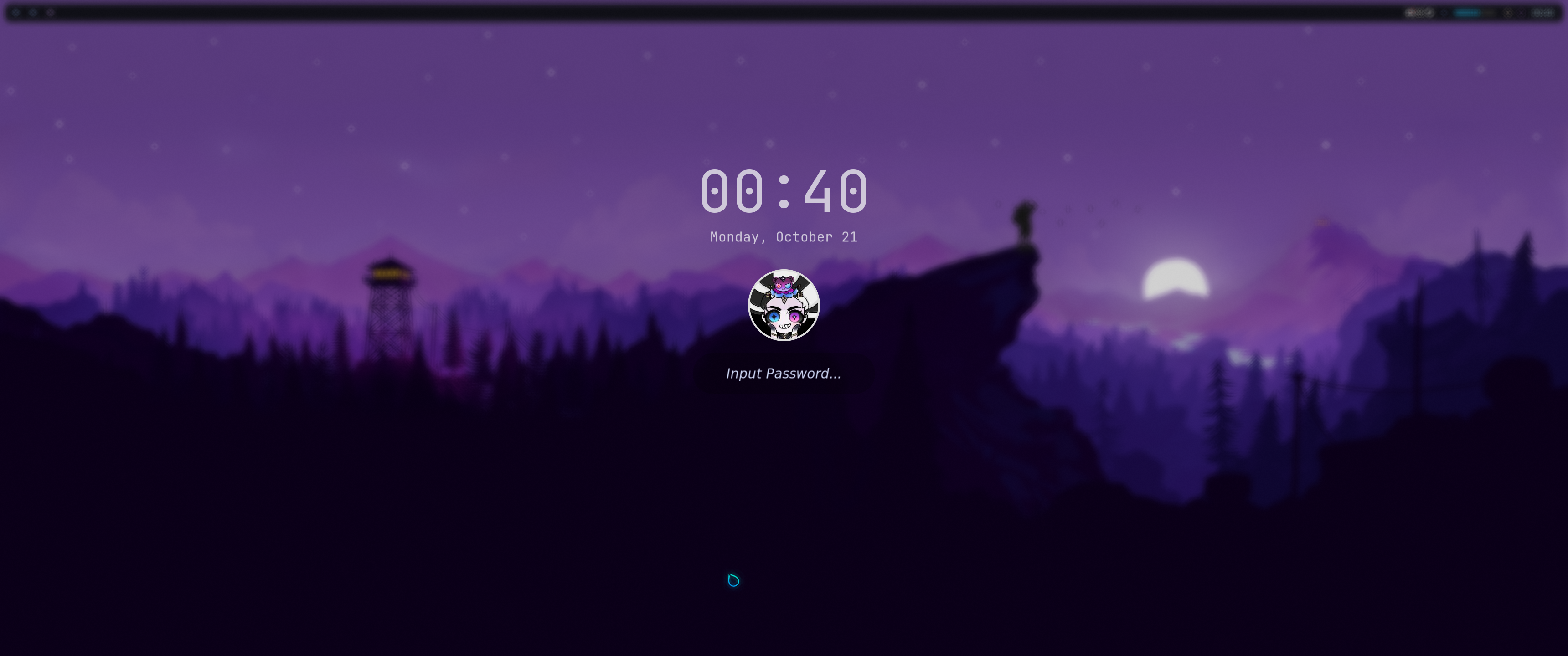
I still use [hyprpaper](./modules/desktop/addons/hyprpaper.nix), and [hyprlock](./modules/desktop/addons/hyprlock.nix) because I was previously using hyprland and the still work perfectly fine.
My bar of choice is [waybar](./modules/desktop/addons/waybar.nix) it is very minimalistic, and my current runner is fuzzel with I just use with a catppuccin theme.
# Welcome to my infrastructure configuration
My configuration is based on [Dendritic Nix](https://dendrix.oeiuwq.com/Dendritic.html#dendritic-nix)
and was heavily inspired by [github:drupol/infra](https://github.com/drupol/infra) including taking some parts ad-verbatim.
> [!WARNING]
> Do not just use this repo out of the box since it will not work for your setup (you will not be able to use my secrets)
> Feel free to copy any parts you find interesting or useful, but I would recommend building your flake up from scratch as it will allow for easier bughunting.

## How does it work?
The two main aspects that define this approach are [github:vic/import-tree](https://github.com/vic/import-tree) and [flake-parts](https://flake.parts/)
```nix
outputs = inputs: inputs.flake-parts.lib.mkFlake { inherit inputs; } (inputs.import-tree ./modules);
```
This lets us define our starting point in another file (or across multiple). In my case this would be the [host-machines](./modules/flake-parts/host-machines.nix) file.
There are many different approaches to this, but I found the approach drupol used, parsing the module name, interesting so I wanted to use it as well.
I extended mine by filtering my raspberry-pi configurations to be a bit different.
### defining hosts
Now to define the host machine, you will want to import other flake-part modules and maybe set some settings unique to this machine
```nix
flake.modules.nixos."hosts/yggdrasil" = { inputs, ... }: {
...
# here comes the fun part:
imports = with topLevel.config.flake.modules.nixos; [
# this is where you add your self named modules that you want to use for this host
# e.g
base
cholli
];
# this will now evaluate thos modules and enable everything set up in them
};
```
### defining modules
What I quite like is that there is no needed structure in your modules folder. You can reorganize all you want,
all that matters is that your modules are name exactly how you import them.
```nix
# There are two types of modules you probably want to choose from
flake.modules.nixos."" # nixos base configuration
flake.modules.home-manager."" # home-manager configuration
# additionally what I like to do is in your home modules make sure that the appropriate system module is enabled before you do something
home.file = lib.mkIf osConfig.programs."".enable { ... };
```
## Window Manager of choice
A friend of mine introduced me to Niri and I really like it configuration of that can be found under [niri.nix](./modules/desktop/niri.nix)
I still use [hyprpaper](./modules/desktop/addons/hyprpaper.nix), and [hyprlock](./modules/desktop/addons/hyprlock.nix) because I was previously using hyprland and the still work perfectly fine.
My bar of choice is [waybar](./modules/desktop/addons/waybar.nix) it is very minimalistic, and my current runner is fuzzel with I just use with a catppuccin theme.